Add sound to video
Matching sound and atmosphere, automatically
How Add sound to video works with AI
- Upload or typeYou need a video (up to 15 seconds) and a short description.
- Tap CreateFrom 4 credits – the price is on the button.
- Download your videoNo watermark, ready for Instagram, TikTok and WhatsApp.
FAQ about Add sound to video
How does “Add sound to video” work?
Matching sound and atmosphere, automatically All you need is a video (up to 15 seconds) and a short description. The AI creates your video, usually within minutes.
How much does “Add sound to video” cost?
From 4 credits. The exact price shows on the button before you start. Plans start at €9.99 a month, coins never expire.
Can I use “Add sound to video” on my phone?
Yes. GetViralo runs in the browser on phone, tablet and computer. Download or share your result right away.
Does the result have a watermark?
No, no watermark in any plan. Every result is labelled as AI-generated. Only upload photos and videos you own the rights to.
More AI tools: Video
Try these too
See all → Start → endA video that moves from first to last frame
 Edit video by command“Make it night”, “give him a suit” – done
 Re-shoot videoNew camera, new angle, next shot – from your video
 Perfect your videoRemove AI mistakes, look more real, better light and skin – or turn everything into a new style
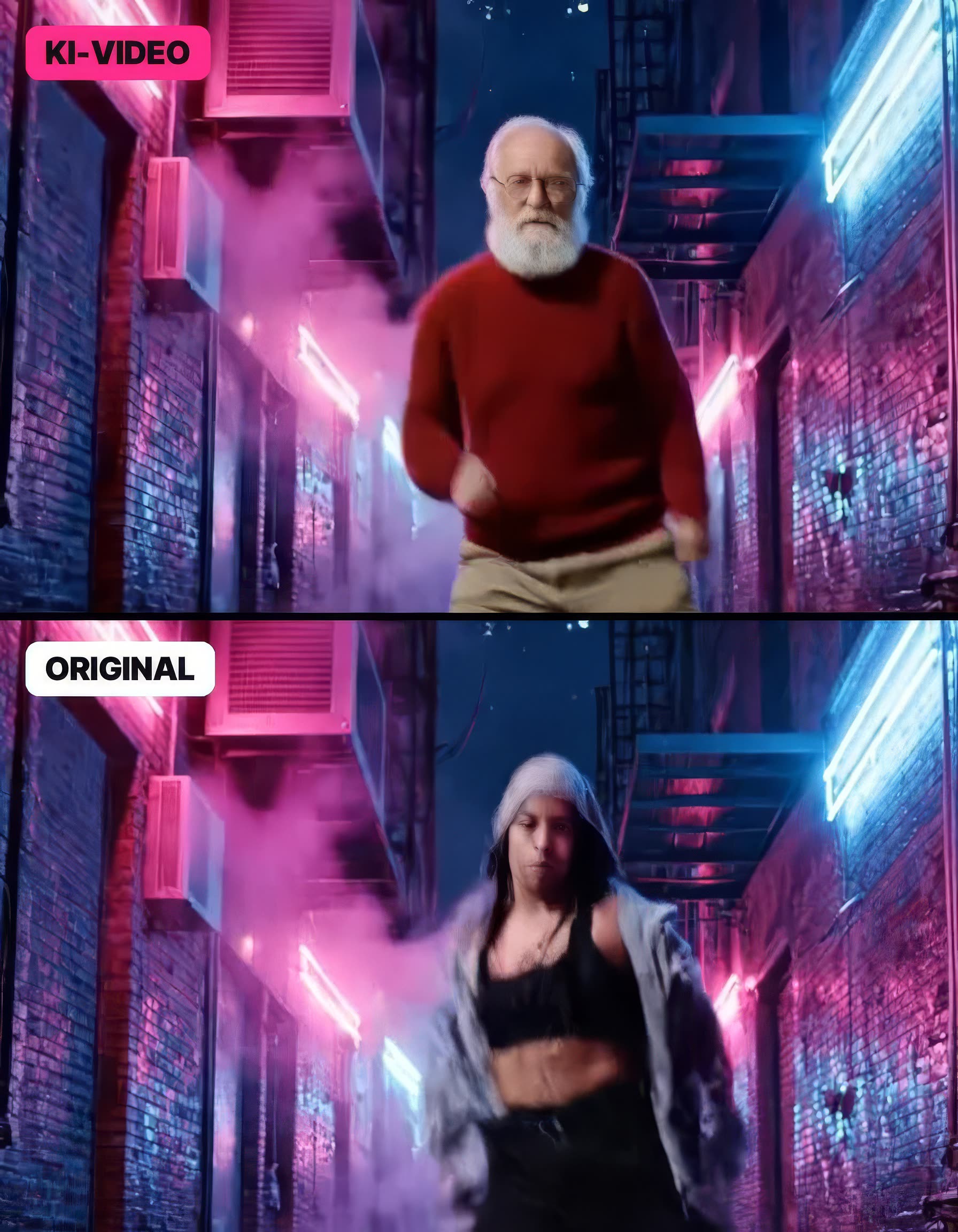 Character swapYour video + one photo: the AI turns you into that person, character or animal – motion, camera and sound stay
 Video face swapSwap the person in a video with you